
KWGT Kustom Widget Maker
Kustom Industries
Downloads
10,000,000+
Source
Google Play
Advertisement
Click to download now, finish the installation quickly, and directly unlock the all-round experience
Advertisement
Screenshots
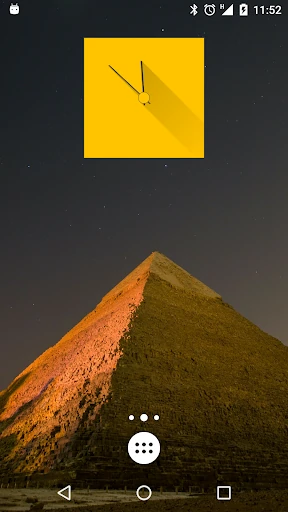
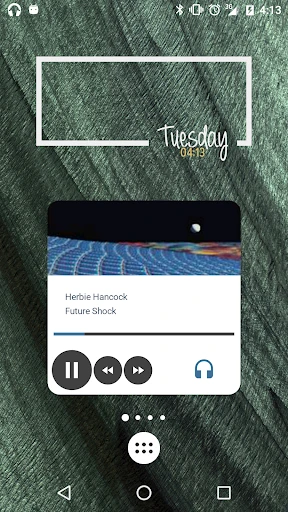
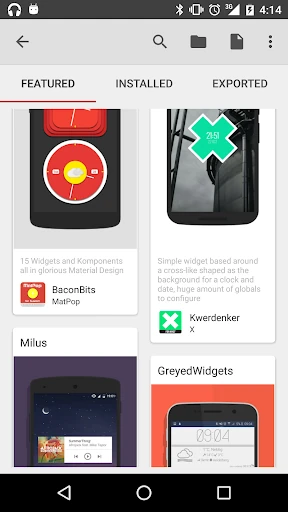
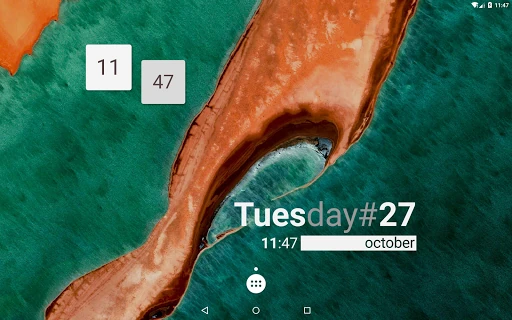
Click to download now, finish the installation quickly, and directly unlock the all-round experience
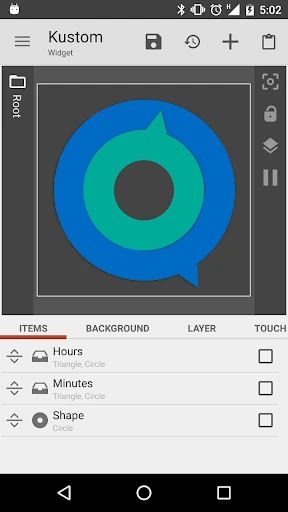
KWGT Kustom Widget Maker lets you create and arrange your own Android home-screen widgets in a visual editor. It suits people who want control over how information looks and behaves, and are willing to spend time making it. If you mainly want a ready-made widget with no design work, a preset-focused app may be a better fit.
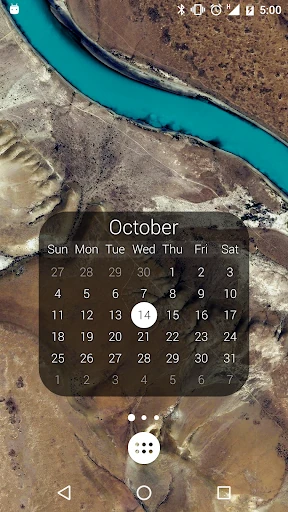
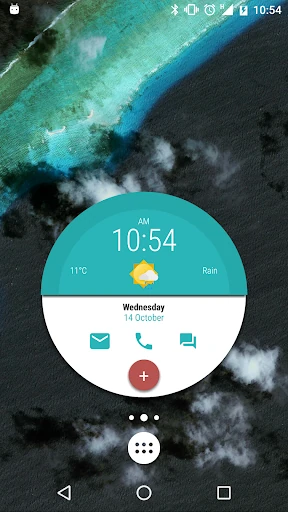
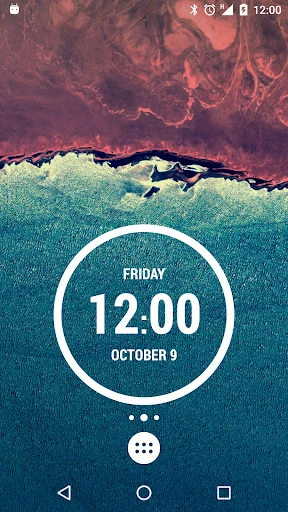
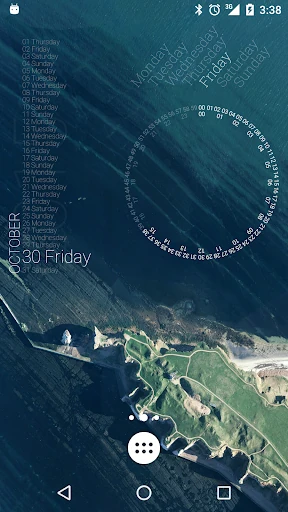
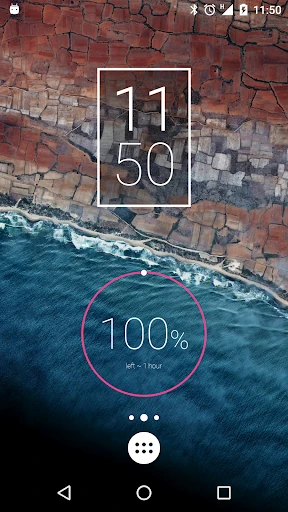
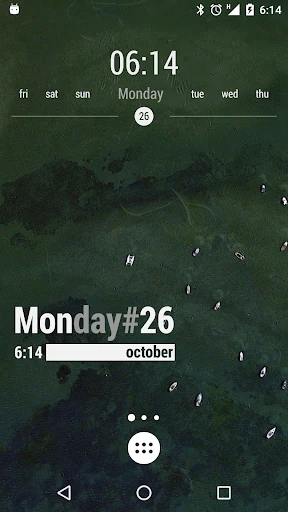
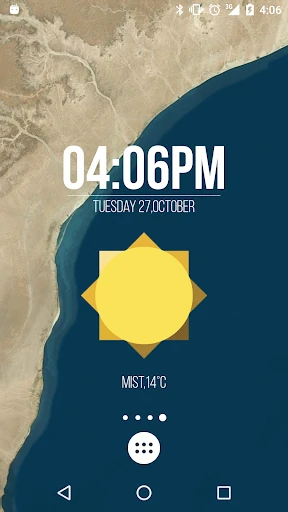
You can combine text, shapes and images, then use layers, color effects and gradients to refine the layout. Widgets can show information such as the time, weather, battery or currently playing music. You can also assign touch actions to elements, so tapping part of a widget can launch an app or trigger an action.
That flexibility makes KWGT useful for matching a widget to a particular home-screen theme or fitting several details into a layout you choose. The trade-off is that the result depends on your own design choices; the app is a tool for building widgets, not a guarantee of a polished layout out of the box.
Expect a more involved process than selecting a finished clock or weather panel. You will need to arrange and adjust the widget’s contents, and some of its more dynamic behavior uses logic and variables. It is a stronger match for home-screen tinkerers than for someone looking for a quick, fixed solution. Your launcher’s widget placement and available home-screen space will also affect how the design fits.
KWGT is listed under Personalization and has more than 10 million installs. Its rating is about 3.9 out of 5 across 48,780 ratings. That gives a large pool of user feedback, but the score alone cannot tell you whether reviewers wanted a simple preset or the freedom to build a widget from scratch. Consider which of those jobs you have in mind.